On this page5 sections
If your app was built with Lovable, Bolt or another AI coding tool on top of Supabase, one setting decides whether your customers’ data is private: row-level security, usually shortened to RLS. When it is missing or wrong, anyone who opens your site can read your database. No hacking skills required.
This is not a hypothetical. In 2025 a researcher scanned 1,645 apps from Lovable’s public showcase and found 170 of them with database tables exposed because RLS was missing or misconfigured. Anyone with the app’s public key could read, and in some cases change, records such as emails, home addresses and stored API keys. The issue was published as CVE-2025-48757 (opens in a new tab) (write-up (opens in a new tab)). It is one of many: by April 2026, Georgia Tech researchers (opens in a new tab) had traced 74 confirmed vulnerabilities to AI-generated code.
Here is how the leak happens, how to check your own app in about fifteen minutes, and what correct policies look like for an app with more than one customer.
Why the public key is only safe with RLS
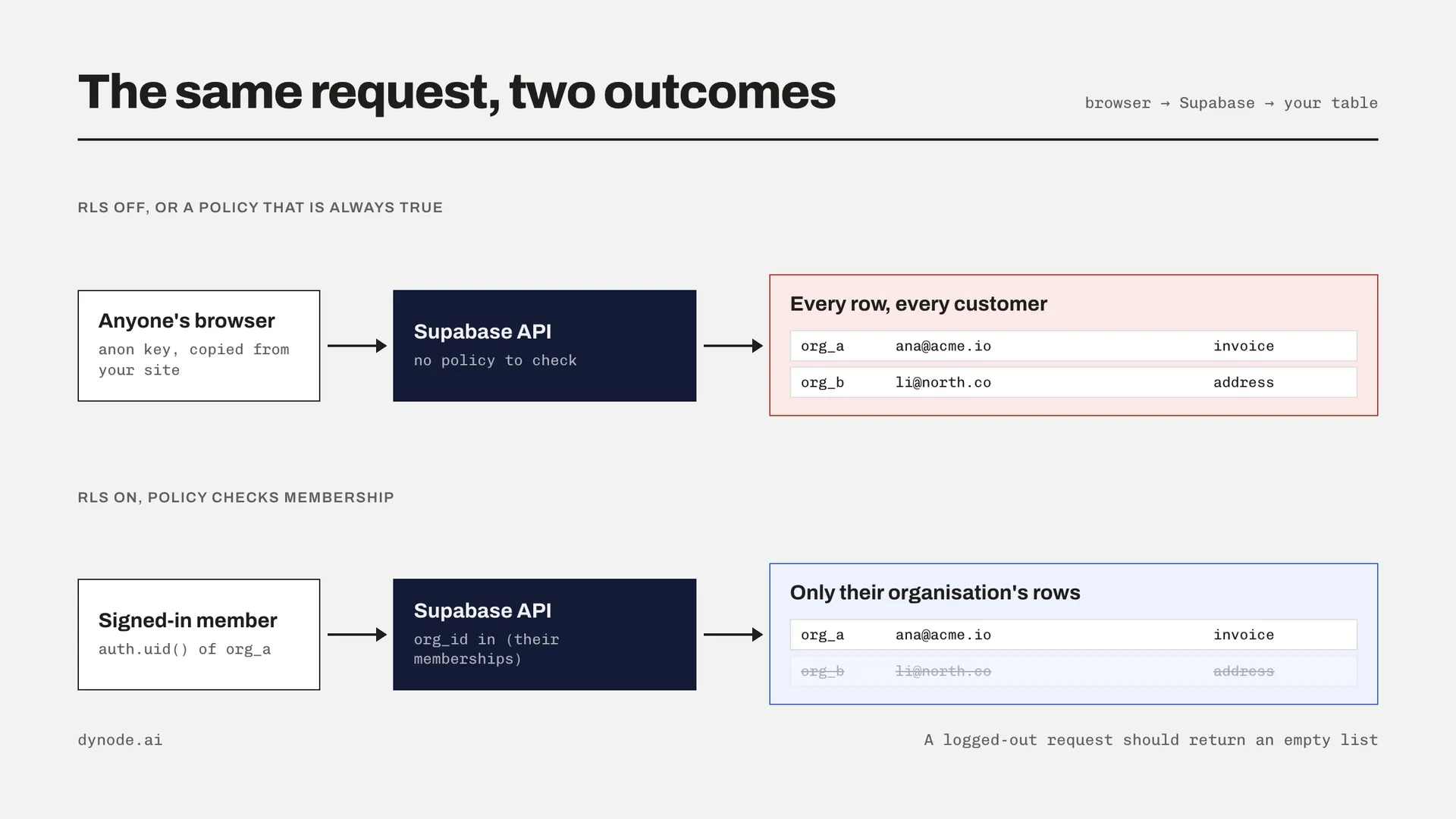
A Supabase app ships a key to the browser, usually called the anon key. That is by design: the browser uses it to talk to your database directly. The key is not a secret. Anyone can open the developer tools on your site and copy it.
What keeps your data private is not the key but the rules attached to each table. With RLS turned on, every query is checked against your policies: a user only gets the rows a policy allows. With RLS turned off, or with a policy that allows everything, the public key can read the whole table.
The five ways it usually goes wrong
RLS is off on a table. Often a table added later, such as invoices or messages, after the first ones were set up properly.
The policy allows everyone. A policy whose condition is simply
truelooks like security in the dashboard and protects nothing.The policy checks the user but not the customer. Fine for a personal to-do app, wrong for a business app where several people share one company account. Users end up seeing only their own rows, or, worse, every company’s rows.
Reads are protected, writes are not. A select policy without matching insert and update policies can let a user write a record into another company’s account.
The service key is in the browser. The service role key ignores RLS completely. If it was pasted into frontend code to make an error go away, every policy is bypassed.
File storage has the same problem. A storage bucket marked public serves every file to anyone with the link, including uploaded contracts and ID scans.
One more thing to know: a security scan that checks whether a policy exists is not the same as checking that it works. Several of the exposed apps had policies. They just did not filter anything.
Check your app in fifteen minutes
1. Find tables without RLS
Open the SQL editor in your Supabase project and run:
select tablename
from pg_tables
where schemaname = 'public'
  and rowsecurity = false;
Every table this returns can be read by anyone with your public key. For each one, either turn RLS on and add policies, or move the table out of the public schema.
2. Read every policy
select tablename, policyname, cmd, qual, with_check
from pg_policies
where schemaname = 'public'
order by tablename;
Look for a qual or with_check that is just true, and for tables that have a select policy but nothing for insert, update or delete.
3. Try it as a stranger
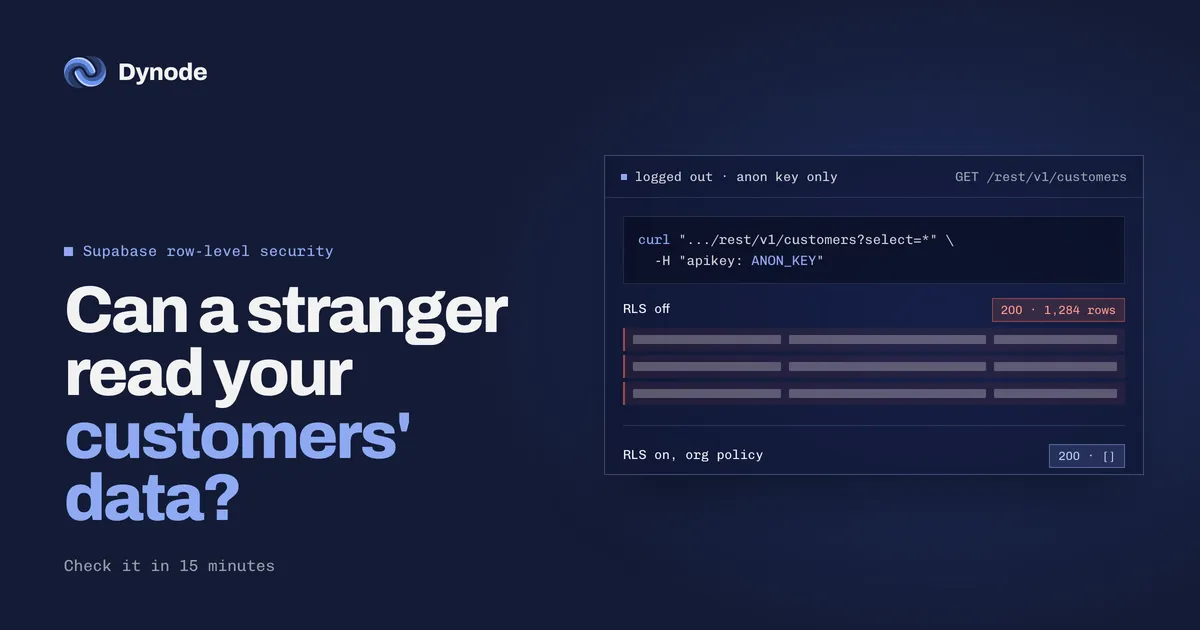
Copy the anon key from your site and ask for a table while logged out:
curl "https://YOUR-PROJECT.supabase.co/rest/v1/customers?select=*" \
  -H "apikey: YOUR_ANON_KEY" \
  -H "Authorization: Bearer YOUR_ANON_KEY"
If that returns rows, a stranger can see them too. An empty list is what you want.
4. Try it as the wrong customer
Create two test accounts in two different companies. Log in as the first, then try to load a record that belongs to the second, for example by changing the ID in a URL. If you can see it, your policies check the user but not the customer.
5. Search the frontend for the service key
Search your code for service_role and for the service key itself. It should only ever appear in server code or edge functions, never in anything that ships to the browser.
What correct policies look like for a business app
Most business apps share one pattern: people belong to an organisation, and every record belongs to an organisation. A memberships table connects the two, and every policy asks the same question: is this user a member of the organisation that owns this row?
alter table public.projects enable row level security;
create policy "Members can read their organisation's projects"
on public.projects for select
to authenticated
using (
org_id in (
select org_id from public.memberships
where user_id = (select auth.uid())
)
);
Add matching update and delete policies, and note the difference between the two clauses: using decides which existing rows a user can touch, and with check decides what they are allowed to write. Without with check, a user could insert a project into someone else’s organisation.
Three details that matter in practice:
Protect the memberships table too. Users should only read their own membership rows. If a policy on memberships needs to look up memberships, use a security definer function so the policy does not call itself in a loop.
Index the columns policies filter on. Policies run on every query. An index on
org_idand onmemberships.user_idkeeps them fast as data grows.Test roles, not just membership. If admins and regular members see different things, write that into the policies and test it with one account of each.
When to bring someone in
If the checks above came back clean, you are in better shape than many AI-built apps. If they did not, fix the open tables first, today, before anything else: that is the difference between a bug and a breach.
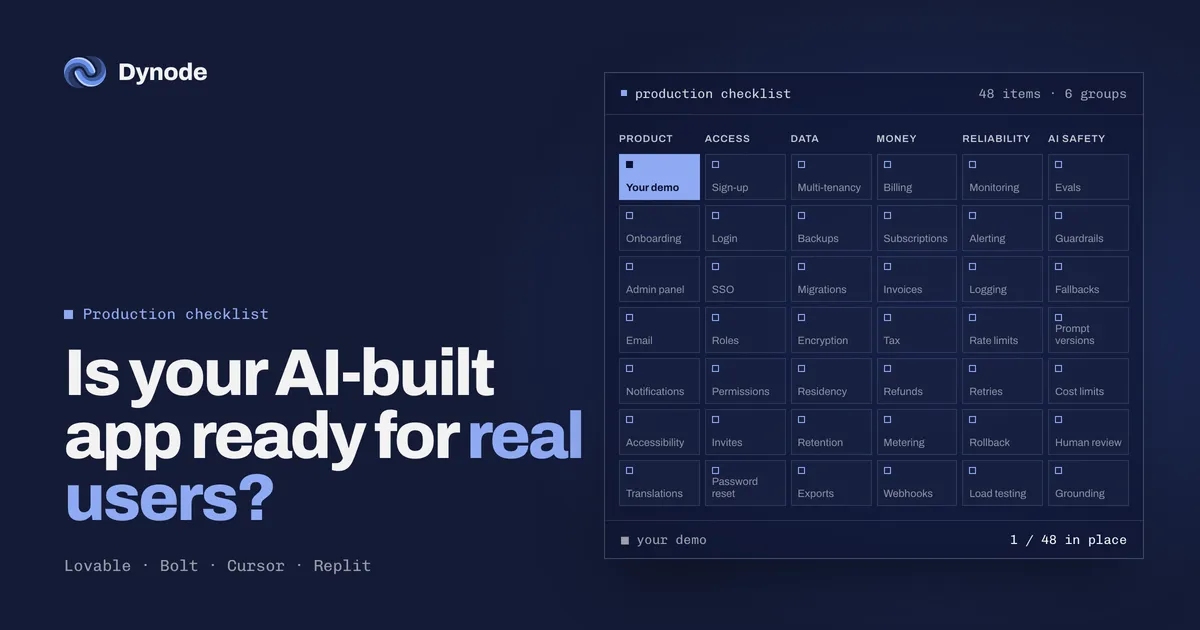
Data separation is usually one part of a bigger gap between a prototype and production, alongside billing, monitoring and backups. Our prototype to production page lists all 48 things we check. If you would rather have it done properly, our one-week audit covers access and data separation first, at a fixed price, and anything that exposes customer data goes to the top of the list.
FAQ
3 short answers, if you skimmed to the end.
Is the Supabase anon key a secret?
No. It ships to the browser by design and anyone can copy it. Your data is protected by row-level security policies on each table, not by the key.
How do I check if my Supabase tables are exposed?
Run a query against pg_tables for tables in the public schema where rowsecurity is false, read your policies in pg_policies, and request a table with only the anon key while logged out. If rows come back, anyone can see them.
What is the difference between using and with check in an RLS policy?
Using decides which existing rows a user can read, update or delete. With check decides what a user is allowed to write. Without with check, a user may be able to insert records into another customer’s account.